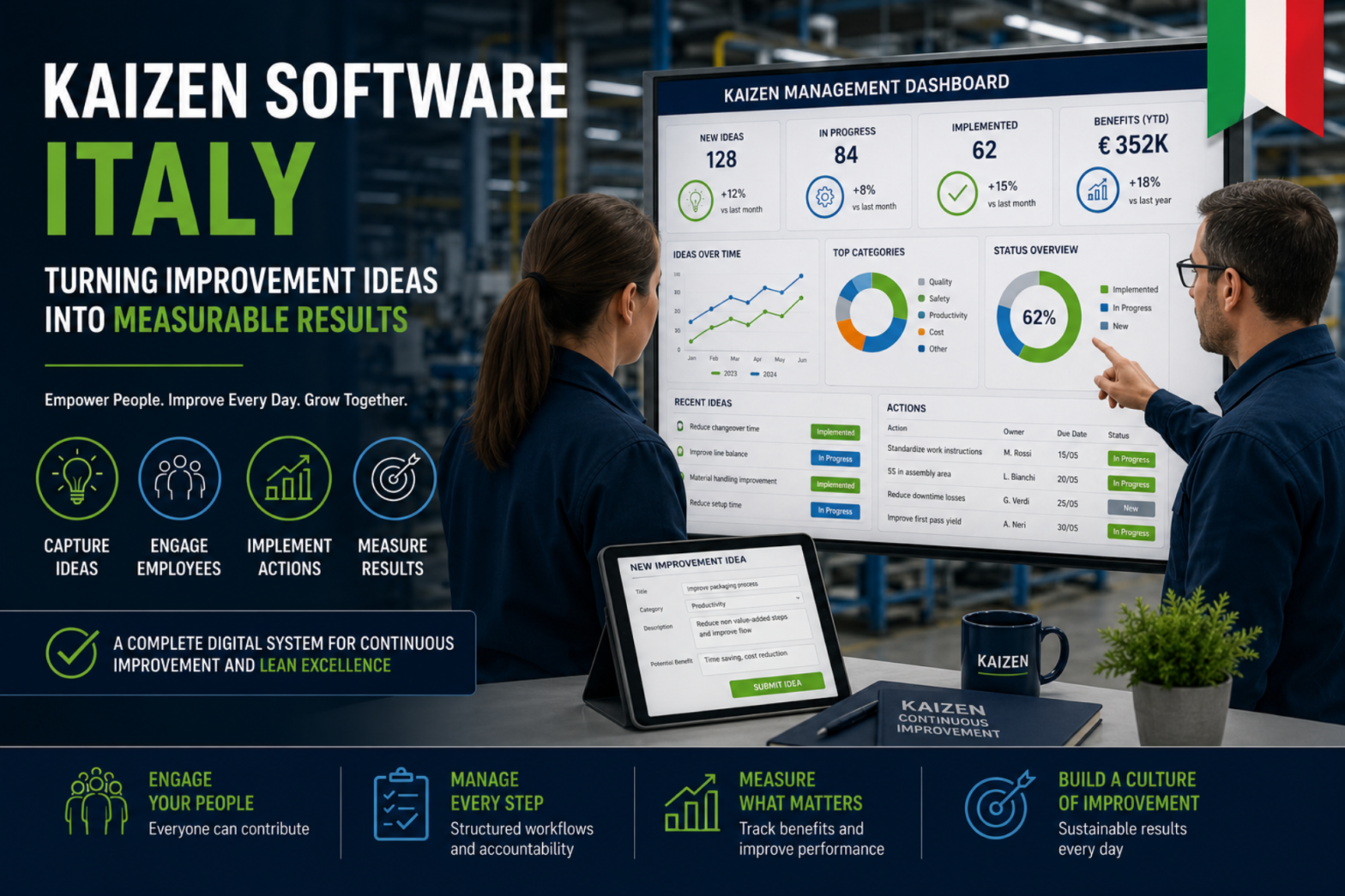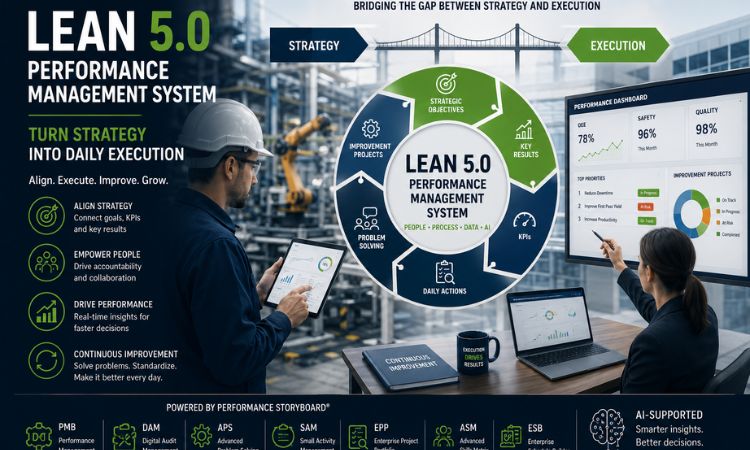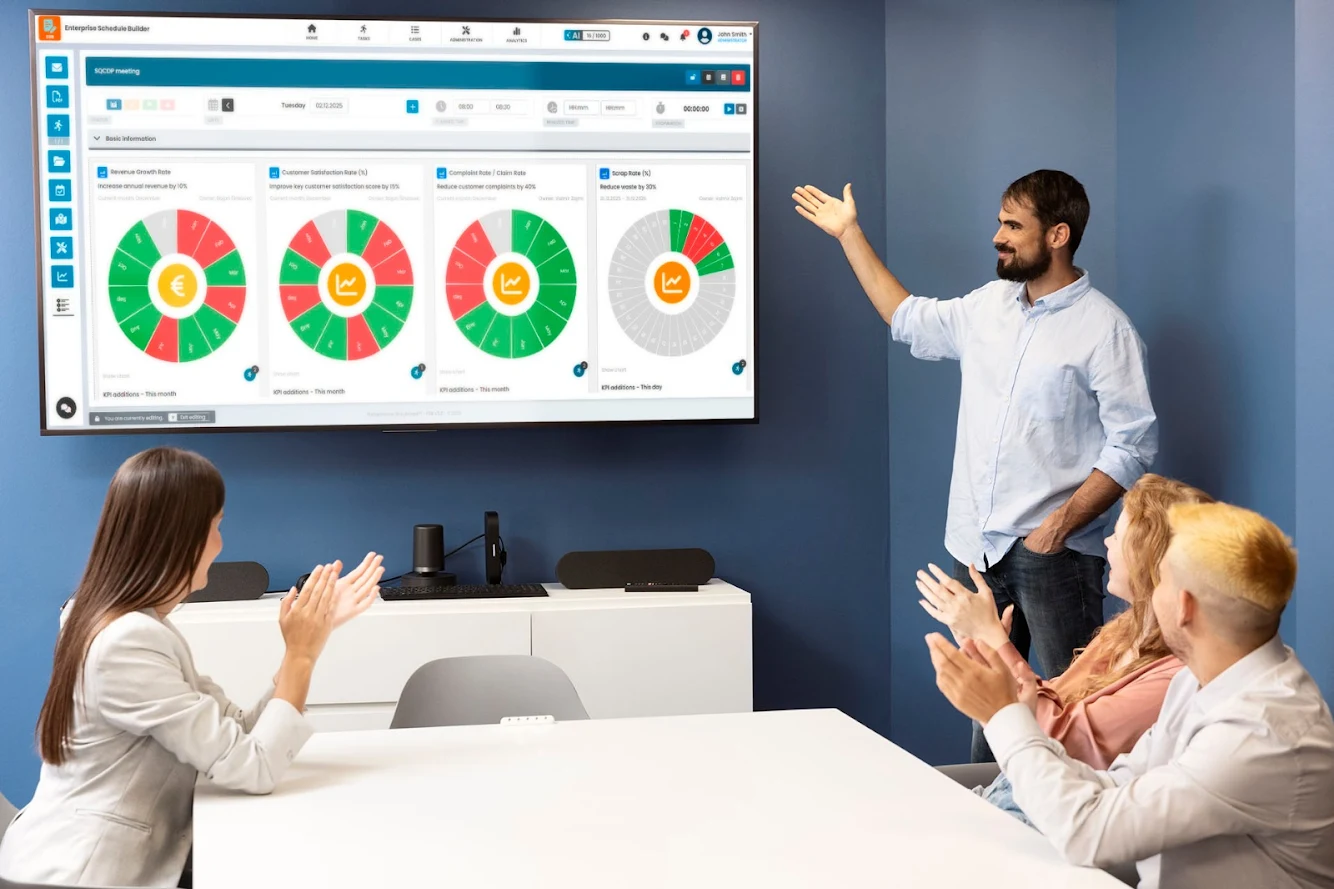
Obeya room tools are visual performance management tools designed to create alignment between strategy, execution, and results. In a performance storyboard context, these tools transform an Obeya room into a live decision-making environment where goals, KPIs, initiatives, and risks are clearly displayed and reviewed together. By making performance data visible and actionable, Obeya room tools help teams spot gaps early, prioritize the right actions, and drive accountability at every level.
Visual Management Tools
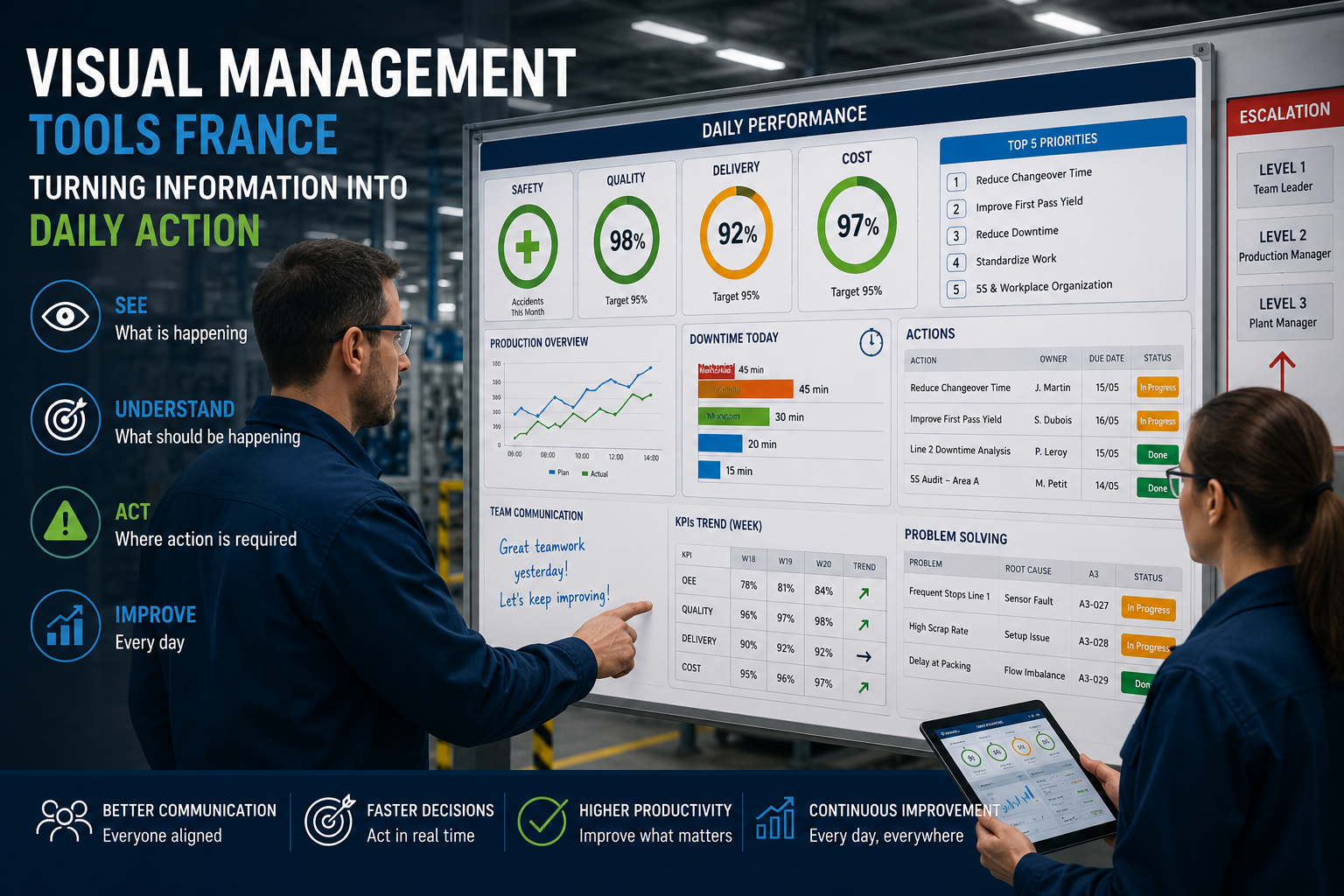
Visual KPI Boards
Large, easy-to-read boards showing real-time performance metrics tied to business goals.
- Revenue, quality, delivery, safety, morale
- Daily / weekly targets vs actuals
- Red–Amber–Green (RAG) status indicators
Strategy Deployment Boards
Also known as Hoshin Kanri boards, these link long-term strategy to short-term execution.
- Strategic objectives
- Annual & quarterly priorities
- Owners and timelines
Planning & Execution Tools
Project & Initiative Boards
Track active projects and improvement initiatives in one view.
- Milestones
- Dependencies
- Risks & blockers
Kanban / Workflow Boards
Make work-in-progress visible and manageable.
- To Do / In Progress / Done
- Work-in-progress limits
- Bottleneck detection
Problem-Solving Tools
Problem-Solving Boards
Structured root-cause analysis in a single-page visual format.
- Problem statement
- Root cause (5 Whys / Fishbone)
- Countermeasures
- Results tracking
Issue Escalation Boards
Highlight critical issues that need leadership attention.
- What’s blocked
- Impact on goals
- Required decisions
Alignment & Communication Tools
Meeting Cadence Boards
Standardize stand-ups and review meetings.
- Daily stand-up rhythm
- Weekly performance reviews
- Monthly strategy checks
Roles & Ownership Charts
Clarify accountability across teams.
- RACI matrices
- Named owners per metric
- Decision-makers identified
Stats / Facts (Optional)
- Teams using visual management improve decision speed by 30–50%
- Obeya-style alignment reduces project delays by up to 40%
- Daily performance reviews can cut recurring issues by 25%
Common Mistakes to Avoid
- Turning the Obeya room into a reporting space only
- Tracking too many KPIs at once
- Not updating boards in real time
- Skipping regular Obeya meetings
- Lack of clear metric ownership
Actionable Tips
- Start small: focus on 5–7 critical KPIs
- Use color coding for instant clarity
- Udate metrics daily or weekly, never monthly
- Assign one owner per board
- Combine physical boards with digital tools for remote teams
Conclusion of Obeya room tools
Obeya room tools transform strategy from slides into action. When designed well, they create transparency, accountability, and momentum across teams. The real power of an Obeya room isn’t the walls—it’s the quality of conversations and decisions those tools enable.
Contact us – Obeya room tools
Your Contact Us page isn’t just a form—it’s a conversion moment. A high-performance Contact Us storyboard removes friction, builds trust fast, and makes it easy for prospects to take the next step. This structure is designed to increase inquiries, reduce hesitation, and guide visitors toward action.
FAQs Section of Obeya room tools
Q1.Are Obeya rooms only for manufacturing?
Ans: They are widely used in IT, healthcare, retail, and service industries.
Q2.Physical or digital Obeya—what’s better?
Ans: Physical rooms drive engagement; digital Obeya tools support hybrid and remote teams. The best setups combine both.
Q3.How often should Obeya boards be reviewed?
Ans: Key KPIs daily or weekly; strategy boards monthly or quarterly.